I recently have been asked, how to use external images in medini in reports. As you know, you can either drag image files to a medini project (and they are stored internally) or you can create links to external resources using an URI. Both are creating internally the same type of object called PJExternalDocument.
In case of a link, the document's URI attribute is absolute, i.e. it has a schema, otherwise the URI is relative to the document file stored in the project.
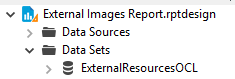
So I created a new OCL based data set first for external documents:
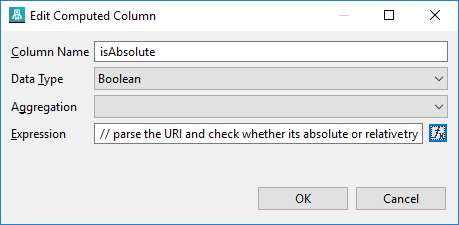
Inside, I scripted a custom column to distinguish between relative and absolute, so between document and link:
I used this attribute to filter out any image that is inside the project, just using external links. In the sample project I have internal images (to test filtering) and two links to image sin the net:

Finally in the design I have a list that renders a label (document name) and an image, bound to the URI. The result looks like:

I have attached the report design file. Feel free to extend and feedback here.
Happy Reporting
Jan



